Feature
Battery and asset inventory that stays countable
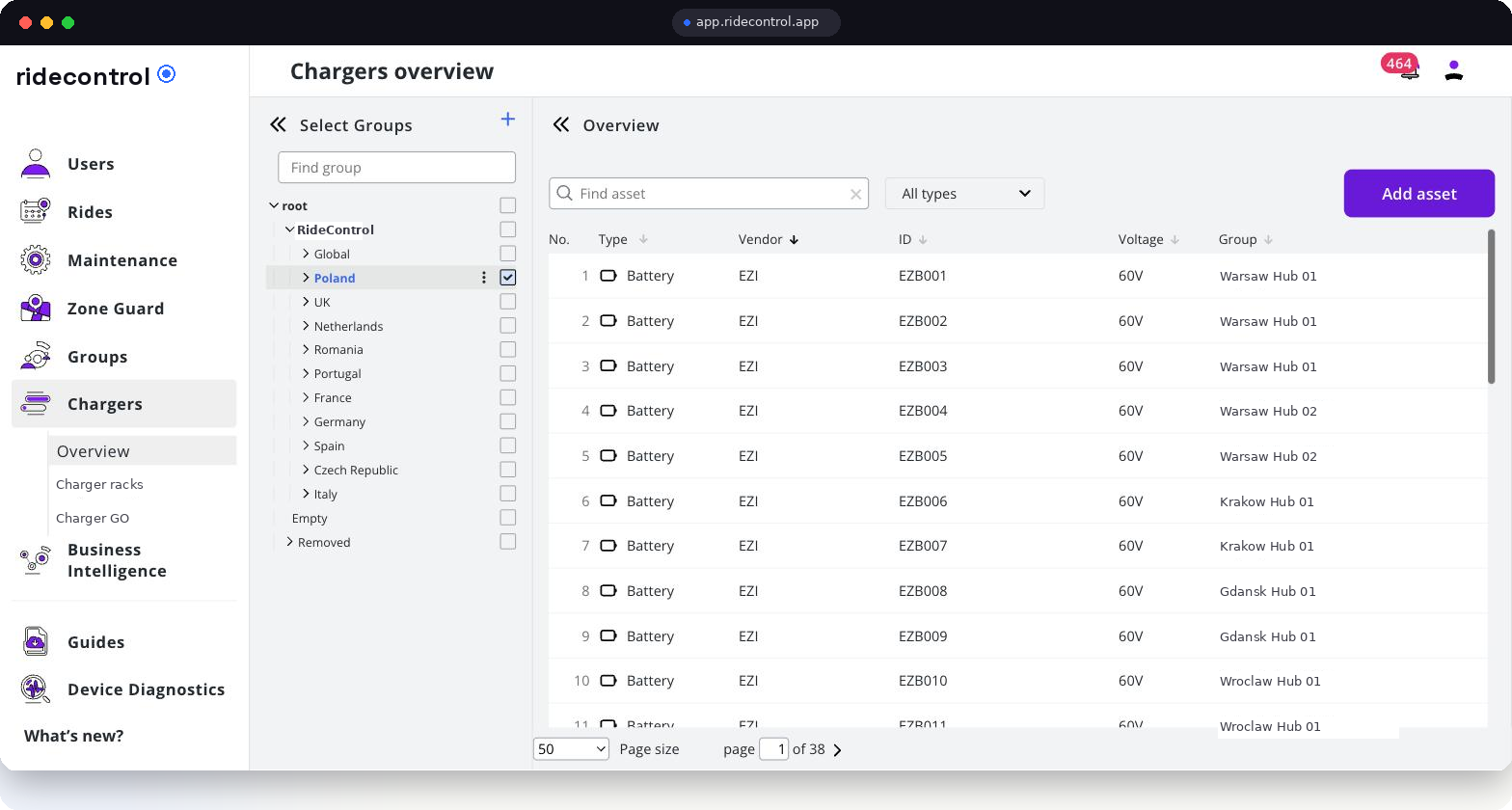
Batteries and chargers are the second fleet inside your fleet, and the one that quietly disappears into vans. RideControl tracks every asset by vendor, ID, voltage and hub, with a swap history behind each pack.
Tracked inventory
1 900+ batteries & chargers
What the module does
- One register for batteries, chargers, racks and other hub assets.
- Each asset carries vendor, ID, voltage and the hub it belongs to.
- Swap history ties a pack to the vehicle and the courier that used it.
- Assets move between hubs with a recorded transfer, not a phone call.
- Missing and retired assets are visible instead of silently written off.
How it works
Step 1
Import the stock
Send the current asset list as CSV; it is mapped to vendors, IDs and hubs during onboarding.
Step 2
Assign to a hub
Every asset lives at a node in the group tree, so counts are per hub, per fleet and per country.
Step 3
Record swaps
When a pack goes onto a vehicle or to a courier, the swap is recorded and the history grows.
Step 4
Reconcile
Hub leads count against the register; differences are visible in the list rather than at year end.
Step 5
Report
Asset counts, swap volume and per-hub distribution export to CSV and feed the dashboards.
Who uses it
| Role | What they use it for |
|---|---|
| Hub lead | Daily counts, swaps, and knowing what is charged and available |
| Mechanic | Pulling and returning packs against a repair |
| Operations manager | Distribution of assets across hubs and countries |
| Finance | Asset base per hub and write-offs |
Data you get out
- Full asset register export with vendor, ID, voltage and hub.
- Swap history per pack, per vehicle and per courier.
- Per-hub asset counts over time.
- API access to the same register for warehouse or accounting tools.
Related modules
Service Flow consumes assets during repairs, groups define which hub owns what, and BI dashboards show the asset base next to utilisation and cost per vehicle.
Frequently asked questions
Related
See it on your own fleet
Book a 30-minute walkthrough. We open the panel with your vehicle types, hubs and countries in mind — no slides.
Book a demo